
01
Open it anywhere
A small panel floats over the app you're in. No switching windows.
- ⌃MOpen the picker
- escClose it again
- drag edgeResize it. The size is remembered.





⌃M
 MemeVault
Press ⌃M in any app. Type a feeling. Press ↵, and it's in the chat.





A floating panel over the app you're already in.
People remember feelings, not file names. So MemeVault searches the way you think.

Five moves. Each one is a key or two.
A small panel floats over the app you're in. No switching windows.
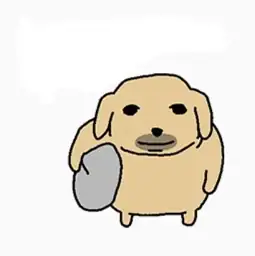
Search by feeling, situation, character, animal or the words on the meme. Slang, typos and other languages still land.
Results show up as you type, across 10K+ memes and your own.


 FeelingtiredSituationmonday
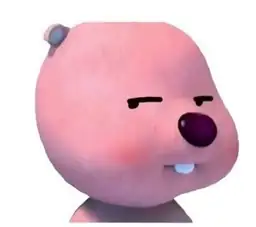
 Characterloopy · 루피Animal & slangdoggo · kittehWords on the memeignored
 Any spellingloopi · pink beaver
Paste it straight into the chat, or drag it in.



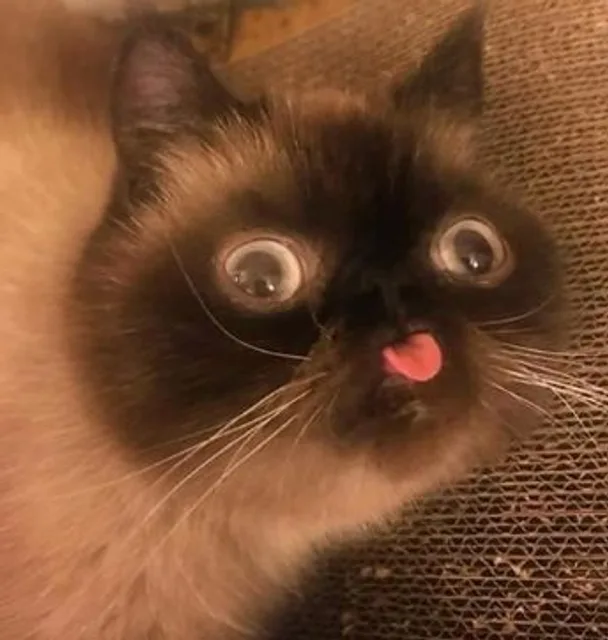
Add top and bottom text without leaving the picker.



 Me at 2 amOne more meme
Favorites, recent picks, your sticker folders and your own emoji in one picker.
Your emoji in Mine stay on this Mac. Nothing is sent. Folders you import stay on your Mac too, but each image is sent to our server once so it can be tagged for search.

Yes. MemeVault is free to download and use.
macOS 13 Ventura or later. A Windows version is coming soon.
Press ⌃M in any app. You can change the shortcut from the menu bar icon.
Dragging a meme into a chat needs none. Pressing Return to paste needs macOS Accessibility, because MemeVault sends the ⌘V for you. Without it, the meme is copied and you press ⌘V yourself.
A feeling (tired), a situation (monday), a character (loopy), an animal or slang word (doggo), or the words written on the meme. Typos and other spellings still find the right meme.
Your own emoji in Mine never leave your Mac. Folders you import stay on your Mac too, but each image is sent to our server once so it can be tagged for search. MemeVault does not read your chats or screen.
Every meme you love, one keystroke away.
macOS 13 Ventura or later · Windows coming soon